
Why Does the Yamaha Drive2 PTV Battery Need Special Charging Care?
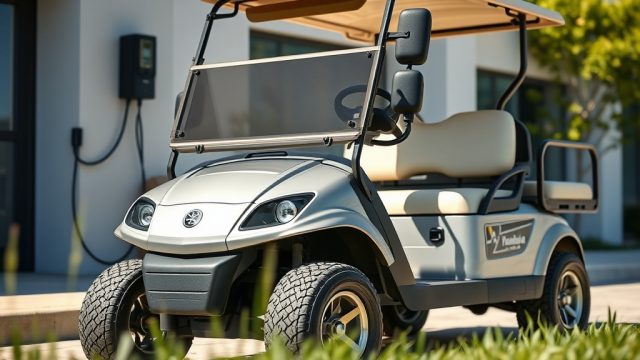
The Yamaha Drive2 PTV relies on a deep-cycle battery system that demands a disciplined charging routine. Unlike a standard car battery, these units endure repeated deep discharges, especially when navigating golf courses or private communities. Improper charging not only shortens battery life but also leads to expensive mid-round failures. Owners often underestimate how temperature, charge cycles, and storage habits directly impact the battery’s health. With replacement battery packs costing between $800 and $1,200 in the US, a few simple practices can save significant money over the cart’s lifespan.
How Often Should You Charge the Yamaha Drive2 PTV Battery?
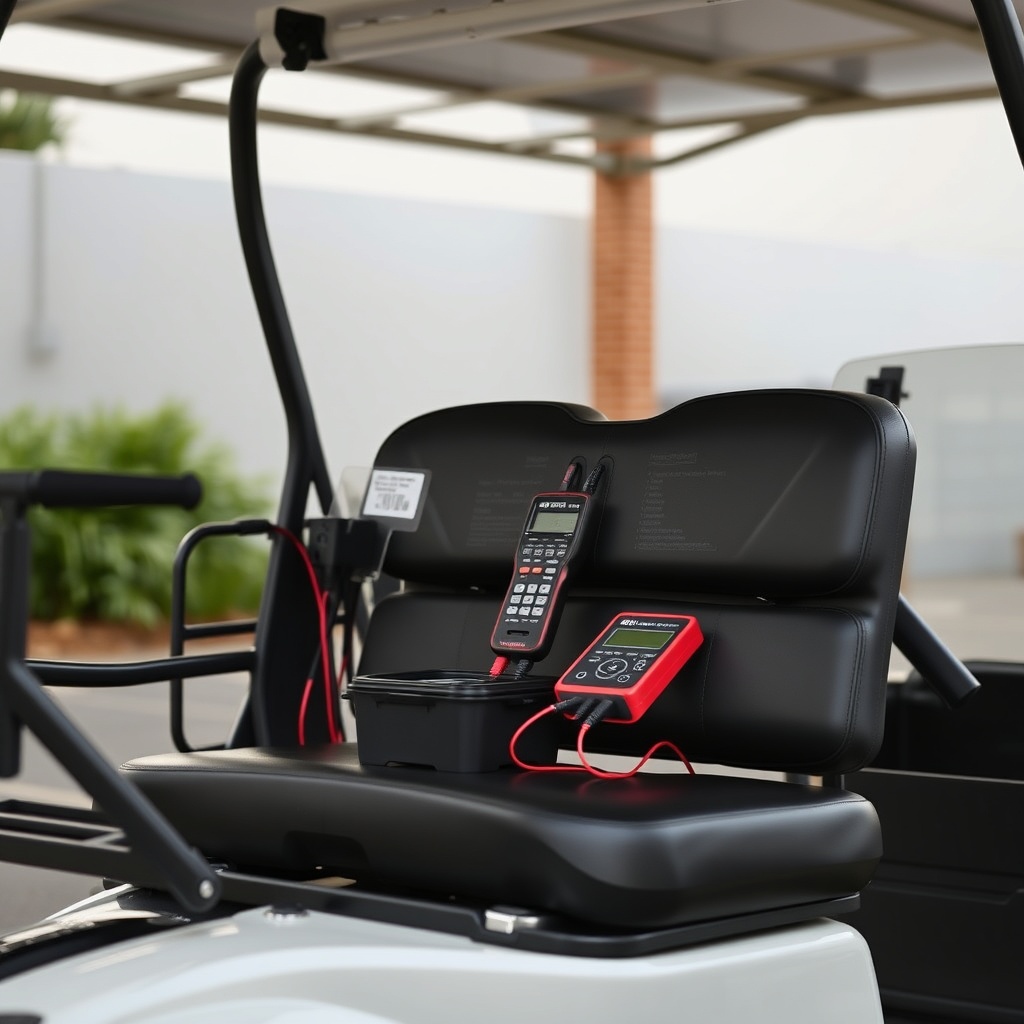
Charging frequency depends on usage depth. The golden rule for deep-cycle lead-acid batteries—which power most stock Yamaha Drive2 PTVs—is to recharge after every use, even if the battery gauge shows 70% or higher. Partial recharges prevent sulfate crystals from forming on the plates, a leading cause of capacity loss. For lithium-ion retrofits, the charge interval can extend to every three to four cycles, but periodic full charges remain important for battery management system calibration.
Signs You Are Overcharging or Undercharging
- Gurgling or boiling sounds during charging indicate overcharging and water loss.
- A battery that fails to hold charge after 8 hours of resting points to undercharging or sulfation.
- Rapid voltage drop under load (e.g., climbing hills) suggests insufficient charging depth.
Owners who charge their Yamaha Drive2 PTV daily after short runs typically report three to four years of reliable service. Those who skip charges see battery failure within 18 months. For a complete overview of cart care during inactivity, read our article on Yamaha Drive2 PTV Safety and Storage: Winterizing Your Golf Cart.
What Is the Correct Charging Procedure for Maximum Battery Life?
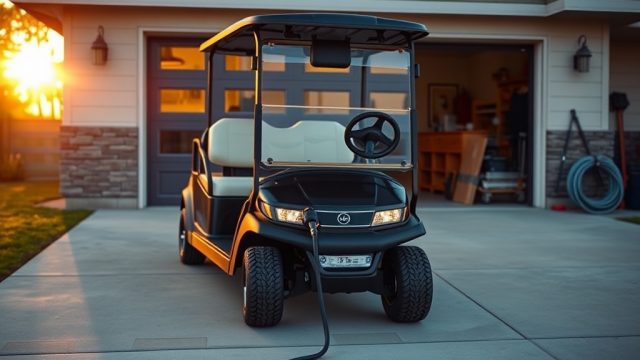
Following a consistent, manufacturer-aligned procedure is non-negotiable. Begin by ensuring the charger is rated for the Yamaha Drive2 PTV’s specific voltage (typically 48V for newer models). Always plug the charger into the cart first, then into the wall outlet. This sequence prevents voltage spikes that can damage the onboard controller. Use only the OEM charger or a compatible smart charger that automatically switches to a float or maintenance mode once full.
Step-by-Step Charging Process
- Inspect battery terminals for corrosion—clean with a baking soda paste if needed.
- Check electrolyte levels on flooded batteries; distilled water should cover the plates by 1/8 inch.
- Plug the charger connector into the cart receptacle firmly.
- Connect the charger’s AC cord to a grounded outlet (avoid extension cords).
- Allow the cycle to complete fully—most charges take 6 to 10 hours.
- Disconnect the AC plug first, then the cart connector.
Avoid interrupting the cycle for more than 30 minutes. Partial charges create memory effects in older lead-acid packs. If you are upgrading your drive experience, see Yamaha Drive2 PTV Steering Wheel Upgrades: Style and Comfort for ergonomic improvements that complement better battery management.
How Does Temperature Affect Yamaha Drive2 PTV Battery Charging?
Temperature is a silent killer of battery life. At 32°F (0°C), a lead-acid battery loses roughly 30% of its usable capacity. At 100°F (38°C), internal chemical reactions accelerate, causing water loss and plate corrosion. The ideal charging temperature range is between 60°F and 80°F (15°C to 27°C). In colder climates, move the cart to a heated garage before charging. In hot regions, charge during cooler evening hours or provide shade.
| Temperature | Battery Capacity Available | Charging Risk Level | Recommended Action |
|---|---|---|---|
| Below 40°F (4°C) | 70% or less | High – risk of incomplete charge | Warm battery before charging; use insulated storage |
| 40°F – 80°F (4°C – 27°C) | 90% – 100% | Low – optimal range | Charge normally; monitor electrolyte monthly |
| 80°F – 95°F (27°C – 35°C) | 85% – 90% | Moderate – accelerated water loss | Reduce charge rate if possible; check water weekly |
| Above 95°F (35°C) | Below 85% | High – risk of thermal runaway | Postpone charging; cool battery below 95°F first |
Owners in Phoenix or Minneapolis must adjust schedules accordingly. A battery that charges at 110°F for multiple cycles can fail within 12 months. For suspension adjustments that reduce vibration and battery jostling, check Yamaha Drive2 PTV Suspension Upgrades: Enhance Comfort and Control.
Should You Perform Equalization Charges on the Yamaha Drive2 PTV?
Equalization is a controlled overcharge that stirs the electrolyte and breaks up sulfate crystals. For flooded lead-acid batteries, performing an equalization charge every 30 to 60 days is recommended. The process involves charging at a higher voltage (typically 15.5V to 16.5V per 12V battery) for two to four hours. Never perform this on sealed AGM, gel, or lithium batteries—it will permanently damage them.
When to Equalize
- After noticing reduced run time (e.g., from 18 holes to 12).
- When the specific gravity between cells varies by 0.030 or more.
- After multiple shallow discharges without a full cycle.
During equalization, the battery may emit gas; ensure good ventilation. Check electrolyte levels afterward and top off with distilled water. Many Yamaha Drive2 PTV smart chargers have a dedicated equalization mode. Without it, use a standalone charger that supports the function. If your cart exhibits steering or stability issues after battery service, see Yamaha Drive2 PTV Troubleshooting: Common Suspension Issues and Fixes for alignment checks.
What Water Maintenance Does the Yamaha Drive2 PTV Battery Require?
Water maintenance is the most neglected aspect of battery care. Flooded lead-acid batteries lose water during charging, especially in warm conditions. Use only distilled water—tap water contains minerals that reduce conductivity and cause internal corrosion. Check levels every two weeks in high-usage seasons, and every month during off-season. Fill only after charging is complete to avoid overflow when the electrolyte expands.
Watering Tips
- Use a battery watering gun with an automatic shut-off to prevent overfilling.
- If the plates are exposed, add just enough water to cover them, then charge and recheck.
- Never overwater; a few millimeters above the plates is sufficient.
Dry plates that are exposed for even 48 hours develop irreversible damage. A set of replacement batteries for a Yamaha Drive2 PTV runs $250–$500 per battery, making water checks an economical habit. For more on purchasing a well-maintained pre-owned unit, read Yamaha Drive2 PTV Buying Guide: Essential Factors to Consider.
What Owners Say About Yamaha Drive2 PTV Battery Longevity
Active forum members and golf course maintenance teams report that disciplined owners get 4 to 5 years from a single set. “I charge after every 9 holes, even if I play only six,” says Mark from Florida, who logged 900 cycles before replacement. Another owner, Diane from Minnesota, emphasizes winter storage: “I keep my cart in a heated shed and maintain a float charge all winter. My batteries are going strong on year four.” Common complaints center on cheap aftermarket chargers that fail to reach full float voltage. Many recommend sticking with the Yamaha-branded Delta-Q or Lester chargers.
Frequently Asked Questions About Yamaha Drive2 PTV Battery Charging
Can I leave my Yamaha Drive2 PTV plugged in all the time?
Yes, if the charger has a float mode. Leaving a non-smart charger connected can overheat the battery and cause electrolyte loss. Smart chargers drop to 2–3 amps after full charge, safely maintaining the pack.
How do I know if my battery needs replacing?
If the cart struggles to complete a full 18-hour round (or 20 miles on flat ground) after a full charge, a load test is warranted. Voltage dropping below 46V under load for a 48V system indicates end of life.
What is the battery warranty on a new Yamaha Drive2 PTV?
OEM flooded lead-acid batteries typically carry a 12-month prorated warranty. Lithium options from Yamaha come with 24–36 months. Always confirm with your dealer.
Can I replace my flooded battery with a lithium one?
Yes. The Yamaha Drive2 PTV can accept a lithium drop-in kit. You will need a compatible lithium charger and may need a charge port adapter. Benefits include faster charging (2–4 hours) and longer lifespan (5–7 years).
Why does my charger show an error light?
Common causes include a tripped GFCI outlet, a blown fuse in the charger cord, or a battery pack too deeply discharged (below 30V). Reset the charger or test with a known good battery.
How often should I clean battery terminals?
Every 60 days or whenever you see white or blue corrosion. Use a wire brush and a baking soda solution. Coat terminals with dielectric grease or anti-corrosion spray after cleaning.