
A New Dimension of Control and Comfort
For owners of the Yamaha Drive2 PTV, the steering wheel is more than just a functional component—it is a direct interface between the driver and the cart’s personality. Upgrading the steering wheel can transform the daily commute around the course or neighborhood from a mundane chore into an engaging driving experience. This guide explores the top steering wheel upgrades available for the Yamaha Drive2 PTV, focusing on style, comfort, and practical benefits that enhance every ride.
Why Should Yamaha Drive2 PTV Owners Consider a Steering Wheel Upgrade?
The stock steering wheel on the Yamaha Drive2 PTV is designed for basic utility, but many owners find it lacking in grip, diameter, or visual flair. A steering wheel upgrade addresses several key areas: improved grip texture reduces hand fatigue during long rounds, a smaller or larger diameter can change steering response, and premium materials like leather or padded polyurethane elevate the interior ambiance. Additionally, replacing the wheel can integrate custom adapters for tilt columns or quick-release systems, making entry and exit easier for drivers of all sizes. Many owners also pair this upgrade with complementary accessories like wrapped shift knobs or custom horn buttons to complete the cockpit feel.
What Are the Best Steering Wheel Materials for the Yamaha Drive2 PTV?
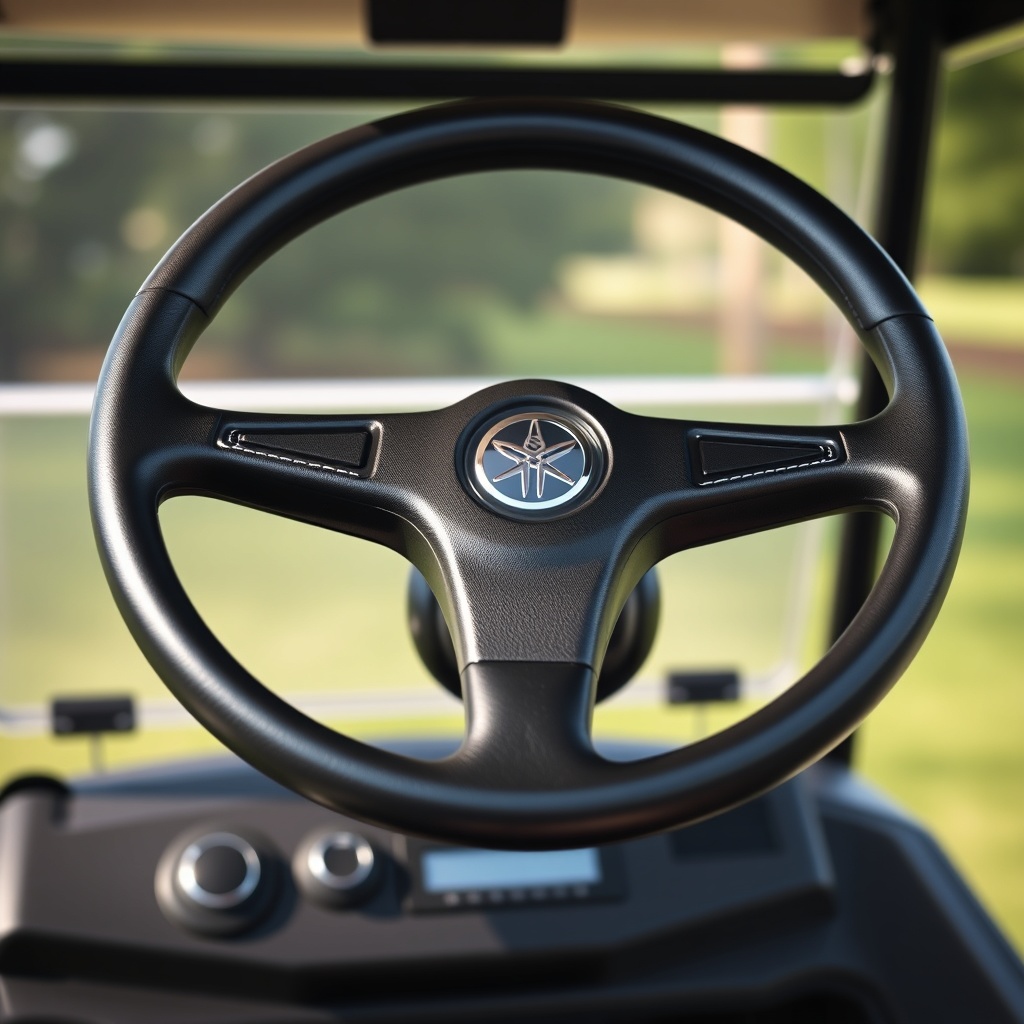
Material choice is paramount for both longevity and tactile satisfaction. Below is a comparison of the most popular options for the Yamaha Drive2 PTV, based on real owner feedback and durability testing.
| Material | Pros | Cons | Average Price (USD) | Best For |
|---|---|---|---|---|
| Leather (Genuine) | Premium feel, breathable, durable, ages well | Higher cost, requires occasional conditioning | $180–$350 | Luxury-focused daily drivers |
| Suede / Alcantara | Excellent grip, soft touch, moisture-wicking | Shows wear quickly, needs special cleaner, less durable | $200–$400 | Performance and show carts |
| Polyurethane (Padded) | Budget-friendly, UV-resistant, easy to clean | Can feel synthetic, less breathable | $50–$120 | Work carts or budget builds |
| Rubber (Textured) | Extreme grip in wet conditions, low cost | Can degrade in direct sun, basic appearance | $30–$70 | Utility or outdoor-exposed carts |
| Billet Aluminum | Unique aesthetic, low weight, highly durable | Can become hot/cold, limited grip comfort | $150–$300 | Custom builders and show carts |
Leather remains the most popular choice among Drive2 PTV owners because it balances daily comfort with a premium appearance. For those in hotter climates, suede or perforated leather helps reduce sweat buildup.
How Do You Choose the Correct Steering Wheel Diameter for a Yamaha Drive2 PTV?
Diameter directly affects steering effort and driver ergonomics. The stock Yamaha Drive2 PTV wheel measures approximately 14 inches (355 mm) in diameter. Going smaller—to 12 inches—provides quicker steering response and more legroom for taller drivers, but increases effort at low speeds. Conversely, a 15-inch wheel reduces effort but may feel sluggish and less precise. Most owners upgrading for style and comfort stick with 13.5 to 14 inches, which offers a sporty feel without compromising leverage. When selecting a new wheel, measure the available clearance between the dashboard and the driver’s knees, as some aftermarket wheels with thick padding can create interference. Always verify the adapter compatibility with your cart’s steering column; the Drive2 PTV uses a 3-bolt pattern with 5/16-inch bolts, but aftermarket adapters from brands like Jakes or Madjax may vary.
Can I Install a Quick-Release Steering Hub on My Yamaha Drive2 PTV?
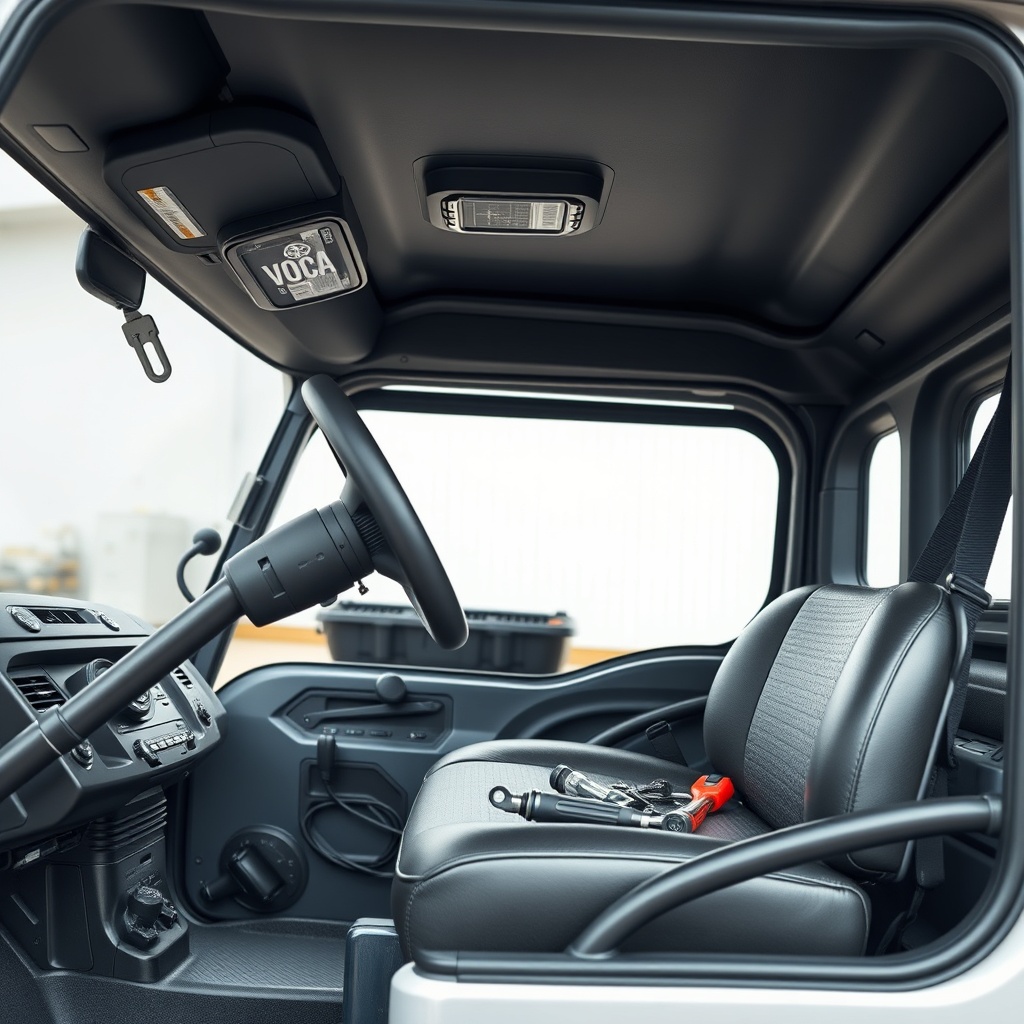
Yes, quick-release steering hubs are increasingly popular among Yamaha Drive2 PTV owners who share their cart for storage, cleaning, or security reasons. A quick-release system allows the steering wheel to be removed in seconds, making it easier to enter and exit tight garages, or to prevent theft when the cart is left unattended. Installation requires a compatible hub adapter that fits the Drive2 PTV’s splined shaft (typically 3/4-inch diameter with 32 splines). Many aftermarket quick-release kits, such as those from NRG or Sparco Racer, include the hub, release mechanism, and hardware for around $120–$250. Keep in mind that removing the wheel disables the horn unless you install a separate horn button, as the stock horn is wired through the steering column. For security-focused owners, also consider pairing this with dedicated storage solutions to protect the investment when parked.
What Steering Wheel Adapters and Kits Fit the Yamaha Drive2 PTV?
The Yamaha Drive2 PTV uses a specific spline pattern that differs from Yamaha’s earlier models like the G29 or G22. Most aftermarket adapters are designed for a 3-bolt pattern with 5/16–18 bolts, but the key is the spline count and diameter. Verified adapters include:
- Jakes 6800-002-00: Universal 3-bolt adapter with 5/16-inch bolts; fits aftermarket wheels with 70mm and 74mm PCD (Pitch Circle Diameter).
- Madjax 10002203: Direct-fit adapter for Drive2 PTV with integrated horn contact and tilt column compatibility.
- Golf Cart King 980-980: Budget-friendly adapter with aluminum construction and included hardware; works with most 1-inch bore aftermarket wheels.
- Custom Billet Adapters: Machined options from companies like Cushman or local fabricators for custom wheels with unusual bolt patterns.
When installing, ensure the adapter seats fully on the splines and that the bolt torque is 18–22 ft-lbs. A loose fit can cause steering play or damage the shaft. Some owners also install a steering stabilizer kit to reduce road feedback when using a larger or heavier wheel.
How Does a Steering Wheel Upgrade Affect Driving Dynamics on a Yamaha Drive2 PTV?
Changing the steering wheel alters the cart’s steering geometry and driver feedback. A smaller wheel (12–13 inches) reduces the mechanical advantage, requiring slightly more effort to turn at slow speeds (like parking or maneuvering in tight spaces) but offering quicker response for course navigation. Larger wheels (14–15 inches) decrease effort but increase turning arc, which can be beneficial for drivers with limited upper body strength. The material and padding thickness also affect vibration dampening: a wheel with thick polyurethane or gel padding reduces road buzz more effectively than a thin leather or metal wheel. Owners who also upgrade their tires should note that the combined effect of a smaller wheel and higher tire pressure can make the steering feel overly sharp. For those prioritizing ride comfort, sticking with the stock diameter but upgrading to a padded leather wheel is a balanced approach.
What Owners Say: Real Experiences from Yamaha Drive2 PTV Steering Wheel Upgrades
Feedback from forums and owner groups reveals common themes. “I swapped my stock 14-inch rubber wheel for a 13.5-inch leather wheel from Madjax, and the difference is night and day. The grip is better, and my hands don’t get sore after 18 holes,” reports Mike T. from Florida. Another owner, Sarah L., notes, “The quick-release was a game-changer for my garage. I can pull the wheel off in seconds and slide the cart against the wall to free up space. The only downside is I need to remember to reattach the horn button.” Some owners warn about adapter quality: “I bought a cheap adapter on Amazon, and the bolts stripped after three months. Spend the extra $40 on a Jakes or OEM-grade adapter—it’s not worth the hassle.” Many also recommend pairing the wheel upgrade with a comprehensive buying guide to ensure all components are compatible before purchasing.
Frequently Asked Questions
1. Can I use any aftermarket steering wheel on my Yamaha Drive2 PTV?
No, the wheel must fit a 3-bolt pattern (5/16-inch bolts, 70–74mm PCD) and your cart’s specific spline count. Most universal wheels work with the correct adapter, but always verify compatibility before purchasing.
2. Do I need to modify the steering column for a different diameter wheel?
Only if you choose a diameter smaller than 12 inches; that may require a tilt column or spacer. For most upgrades (12.5 to 15 inches), the stock column works fine.
3. Will a steering wheel upgrade void my Yamaha warranty?
It depends on the dealer and jurisdiction. Non-structural upgrades like a wheel replacement typically do not void the full warranty, but any damage caused by improper installation may not be covered. Check with your dealer first.
4. How long does installation take for a DIY owner?
With basic tools (socket set, torque wrench), expect 1–2 hours. Removing the old wheel may require a puller if it’s seized. Quick-release systems add about 30 minutes for the hub installation.
5. Can I keep the horn function when using an aftermarket wheel?
Yes, if the adapter includes a horn contact ring or you install a separate button on the dash. Some aftermarket wheels have built-in horn buttons, but you’ll need to run a wire to the column.
6. What is the best budget-friendly steering wheel upgrade for a Yamaha Drive2 PTV?
The Amazon Basics or OEM replacement options in polyurethane start around $50 and offer improved grip over stock rubber. For $80–$100, you can find a decent leather-wrapped Chinese brand that works well for casual use.